Client Welcome Guide
Your simple first step toward feeling better, moving easier, and living well.
Welcome to Healing Motion Pilates🌿
Hello,
So glad you took that first step toward healing your motion ✨
We’re truly honored to support you on your journey to restore movement, strength, and comfort in your body.
🔐 Step 1 — Set Up Your Account
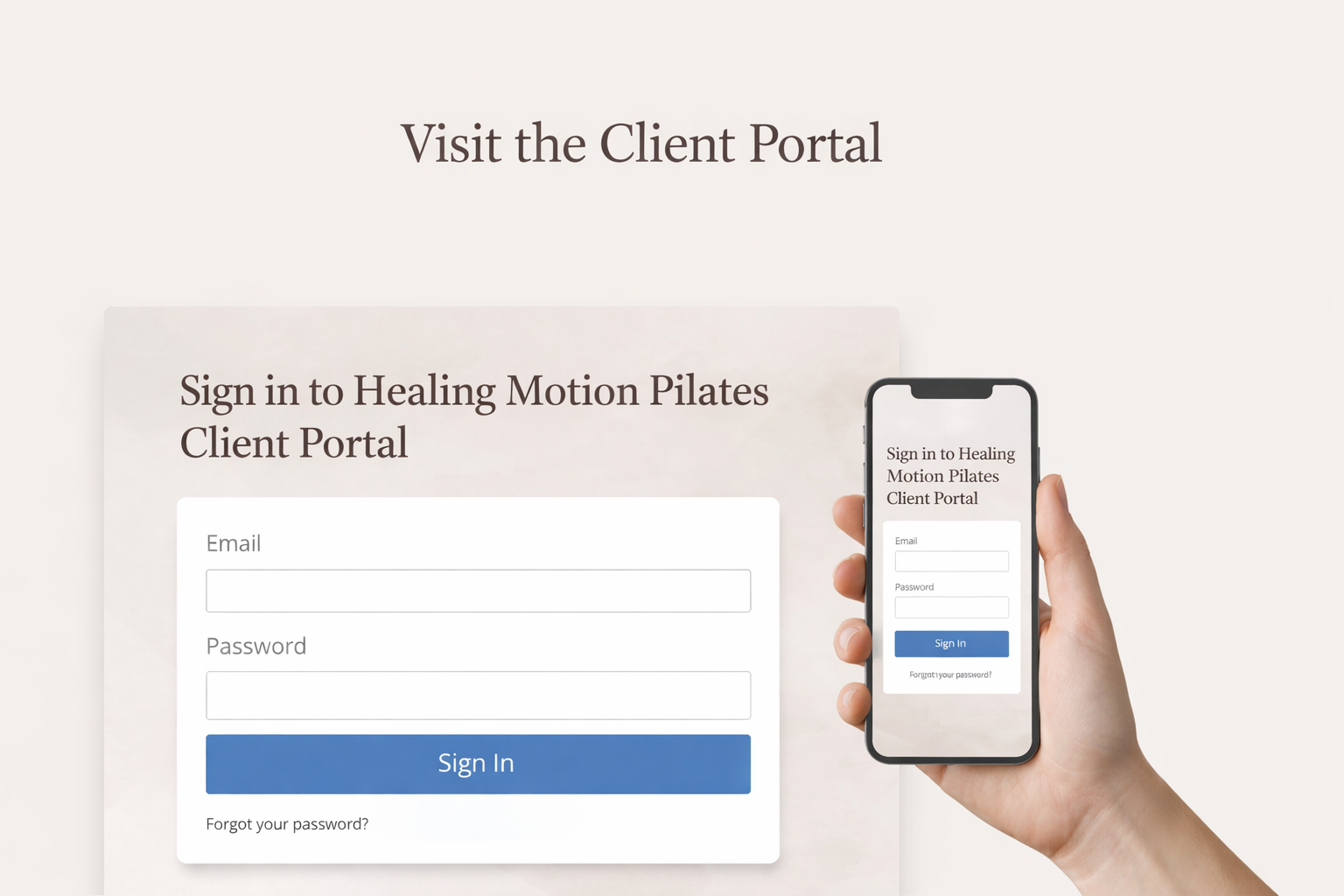
Please review your login credentials included in the Welcome Email:
Note that, you’ll be prompted to create a new password when you first sign in.
Your wellness journey begins here.
Everything you need is just one click away. Follow the steps below to book your first session and begin.
💻 Step 2 — Access Your Client Portal or Mobile App
Once your password is set, you can immediately begin managing your appointments.
ACCESS VIA WEB PORTAL
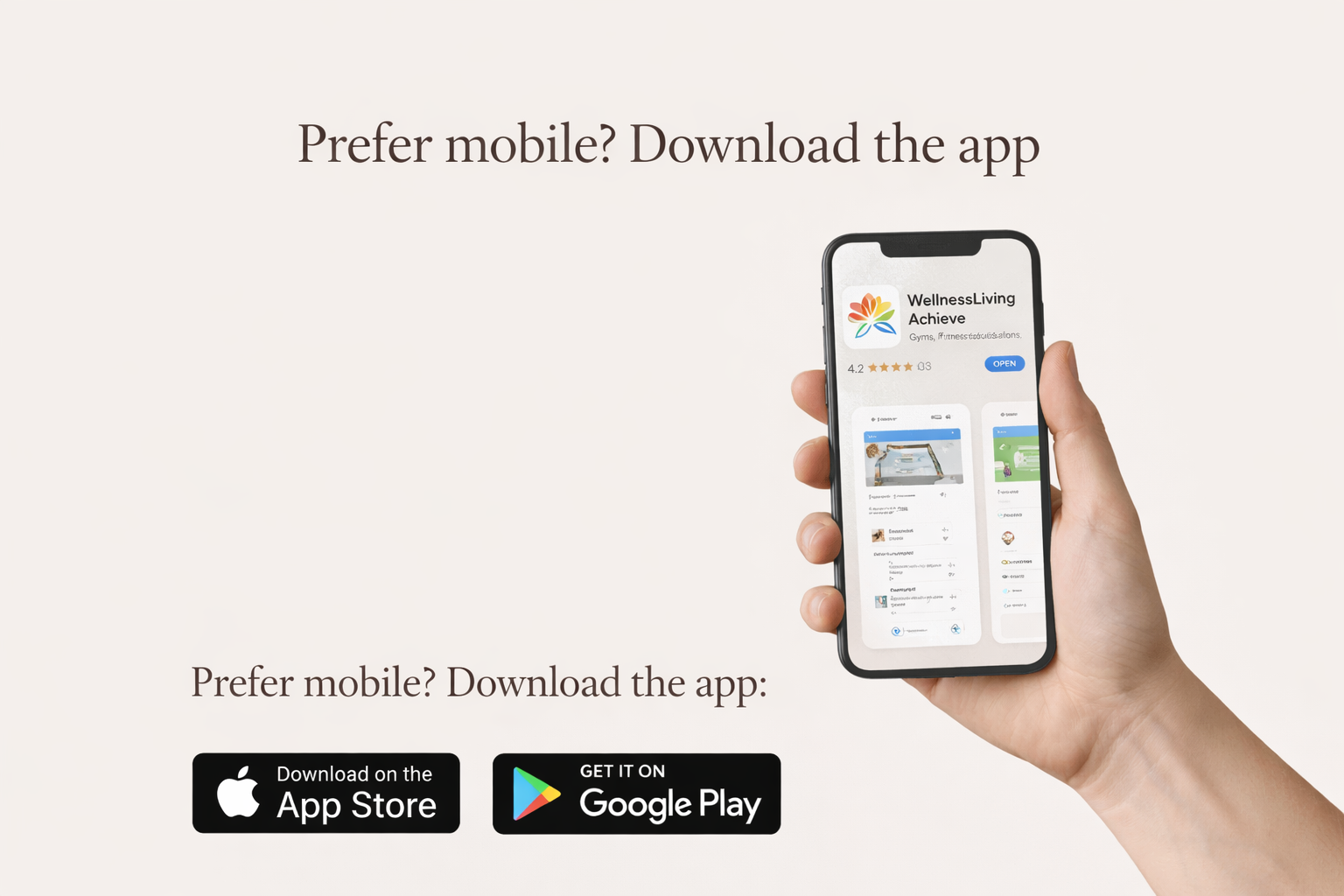
ACCESS VIA MOBILE APP
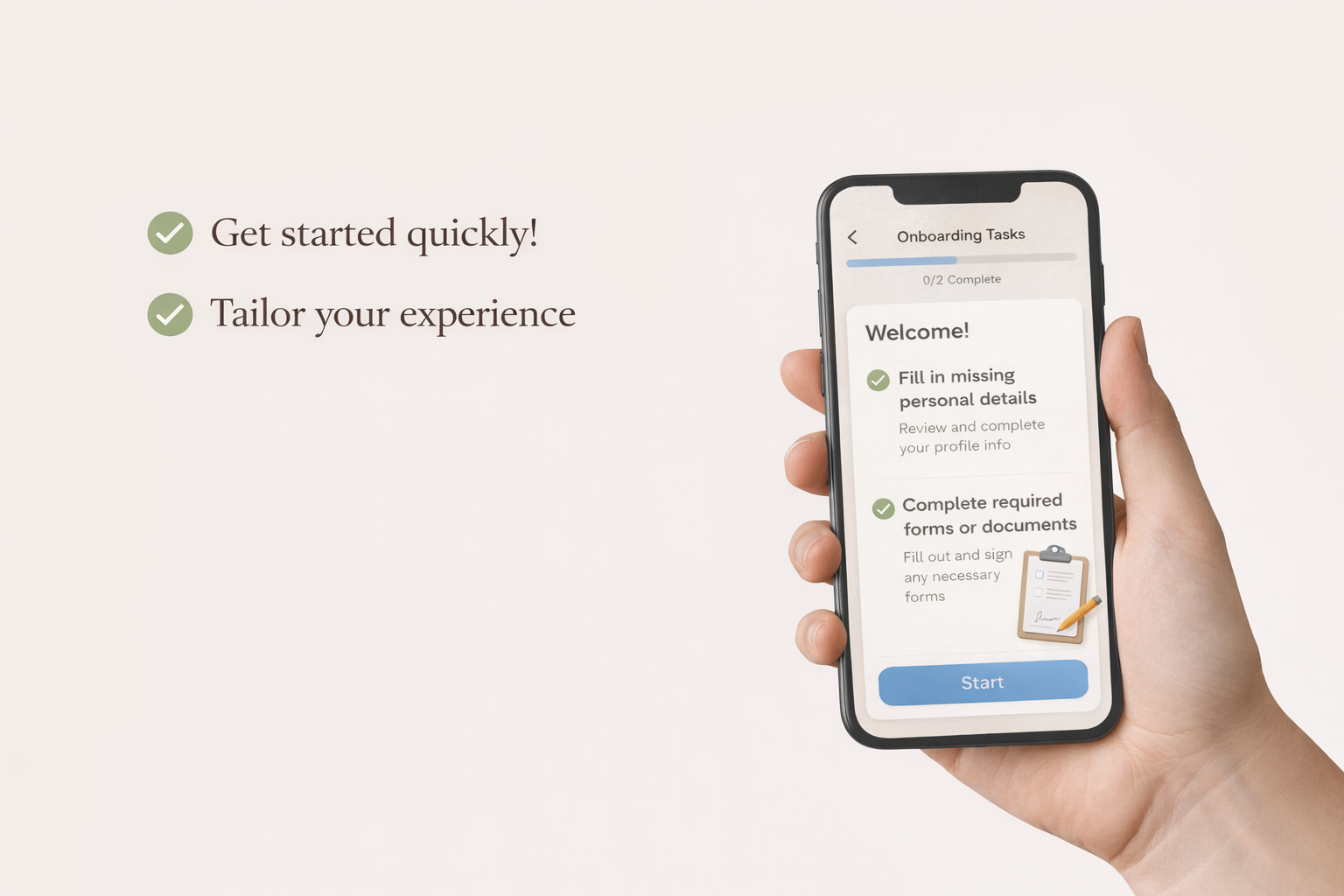
COMPLETE YOUR INFORMATION
Studio and arrival guide
Getting ready for your first visit? We’ve made it easy. Here’s everything you need to know to arrive smoothly, feel comfortable, and enjoy your time at the studio.
Healing Motion Pilates
2777 Cleveland Ave., Suite 102
Santa Rosa, CA 95403
Located on the corner of Terry Lane & Cleveland Ave.
Enjoy free, hassle-free parking in the spacious lot.
Located behind the building on Terry Lane.
1. Park in the rear lot
2. Walk toward the center breezeway
3. Turn right when you reach the columns
4. Enter the second door on your right
Appointment
Booking your wellness session is simple and stress-free! You can easily reserve your spot, and if something comes up, reschedule or cancel with just a few clicks. Stay in control of your time and enjoy your sessions worry-free!
Healing Motion Pilates : Book, Change, or Cancel with Ease
Follow these easy steps to schedule your classes, make changes, or cancel when needed—no stress, no confusion, just gentle guidance to keep you moving.
Booking a Class
A. On the Web
+ Log in with your email and password.
+ Click “Schedule”.
+ Pick a class, date, and time.
+ Click “Book Now.”
B. On the Mobile App (Wellness Living Achieve)
+ Open the App and log in with your credentials.
+ Tap “Schedule”.
+ Choose the class, date, and time. Tap “Book.”
Cancel a Class
A. On the Web
+ Go to “My Schedule”.
+ Find your appointment.
+ Click “Cancel”.
+ Follow the Prompts.
B. On the Mobile App
+ Tap “My Schedule”.
+ Find your appointment.
+ Tap “Cancel”.
+ Follow the Prompts.
Friendly Tips
+ Book Early
Classes can fill up fast.
+ Cancel Politely
At least 24 hours before your class.
+Reschedule Properly
Follow the rescheduling procedure properly.
+ Check Confirmation
Look for the message on screen or email.
+ Need Help?
Call or email Healing Motion Pilates anytime
Helpful Tips for a Smooth Visit
Follow these easy tips to get the most comfort and benefit from your class.
Please bring socks, which are required for hygiene since our studio is carpeted. Wear comfortable clothing so you can move freely, and feel free to bring water if you like.
Masks are optional, so wear one if it makes you comfortable. If you are feeling unwell or have any symptoms of cold, flu, or COVID, please call or text us to reschedule before coming.
You are welcome to take a seat in the waiting area and store your belongings in a cubby. Your instructor will greet you shortly, often right as you walk in.
Accepted Payment Methods
We accept cash, check, Venmo (@Ann-Sabine), and credit card. Payment for your first session is due at the time of your appointment unless you have prepaid when booking.
We Can’t Wait to Work With You!
We’re looking forward to starting this journey together — helping you heal, restore movement, and live your life with greater ease and strength